Cloud managers hold your vault
Encrypted, yes — but stored on infrastructure you do not control, under a company that can be acquired, breached, or simply change its pricing.
No account to create, no subscription to cancel, no company holding your vault. Install Teampass on hardware you control and it stays yours.
Encrypted, yes — but stored on infrastructure you do not control, under a company that can be acquired, breached, or simply change its pricing.
A KeePass database on one laptop is safe and useless the moment you need it from a second machine — and syncing it through a cloud drive quietly reintroduces the problem you were avoiding.
The Wi-Fi password for the family, the server root account for a side project, the client credentials for a freelance job. Those end up in chat threads, and they stay there forever.
PHP and MySQL — the same stack as any small web app. A Raspberry Pi, a €5 VPS or a spare mini-PC is enough. The Docker image gets you from nothing to a login screen in about ten minutes.
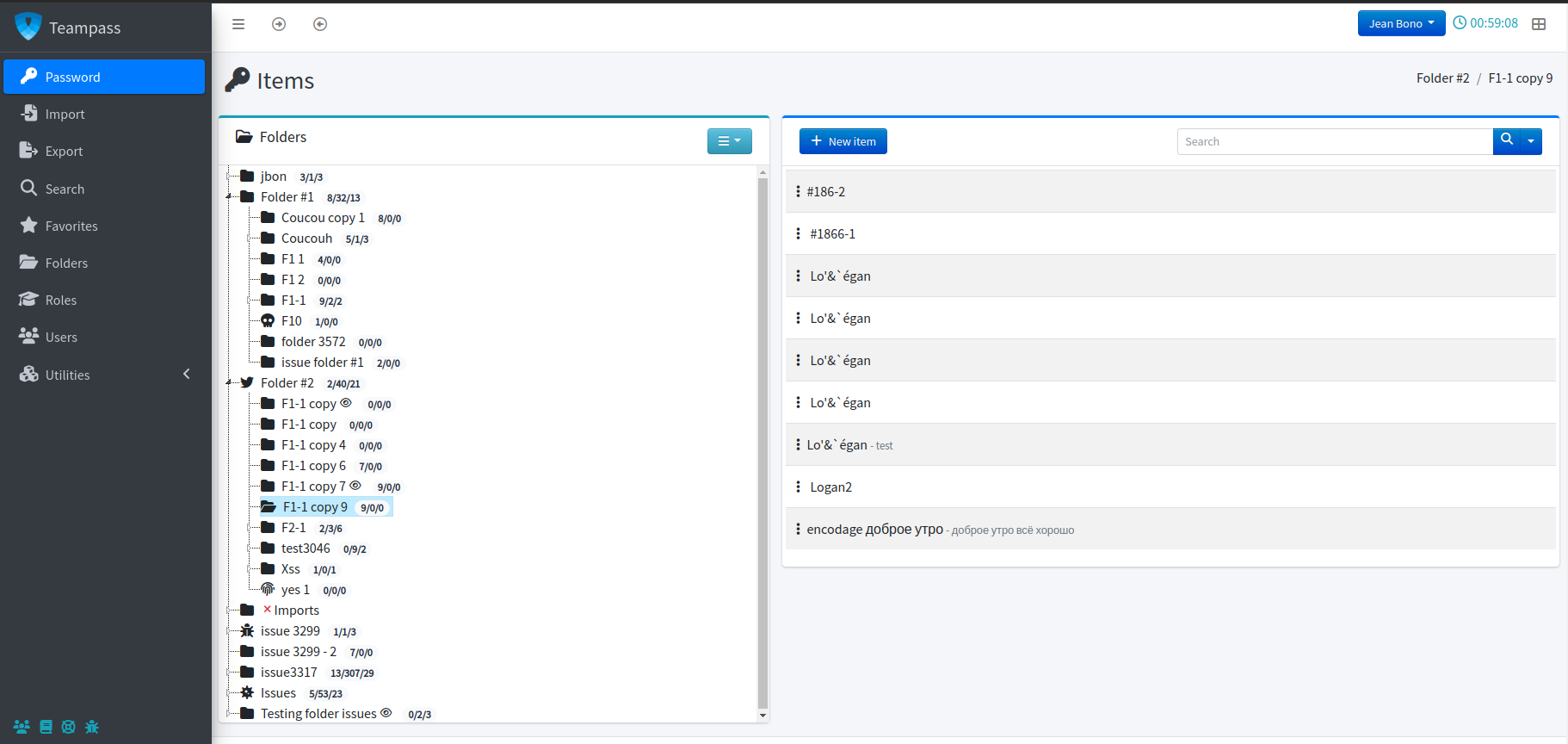
Since 3.2.1.1, personal folders are decryptable by their owner and the recovery account — and by nobody else, including administrators. If you share the instance with family or a co-founder, your own items stay your own.
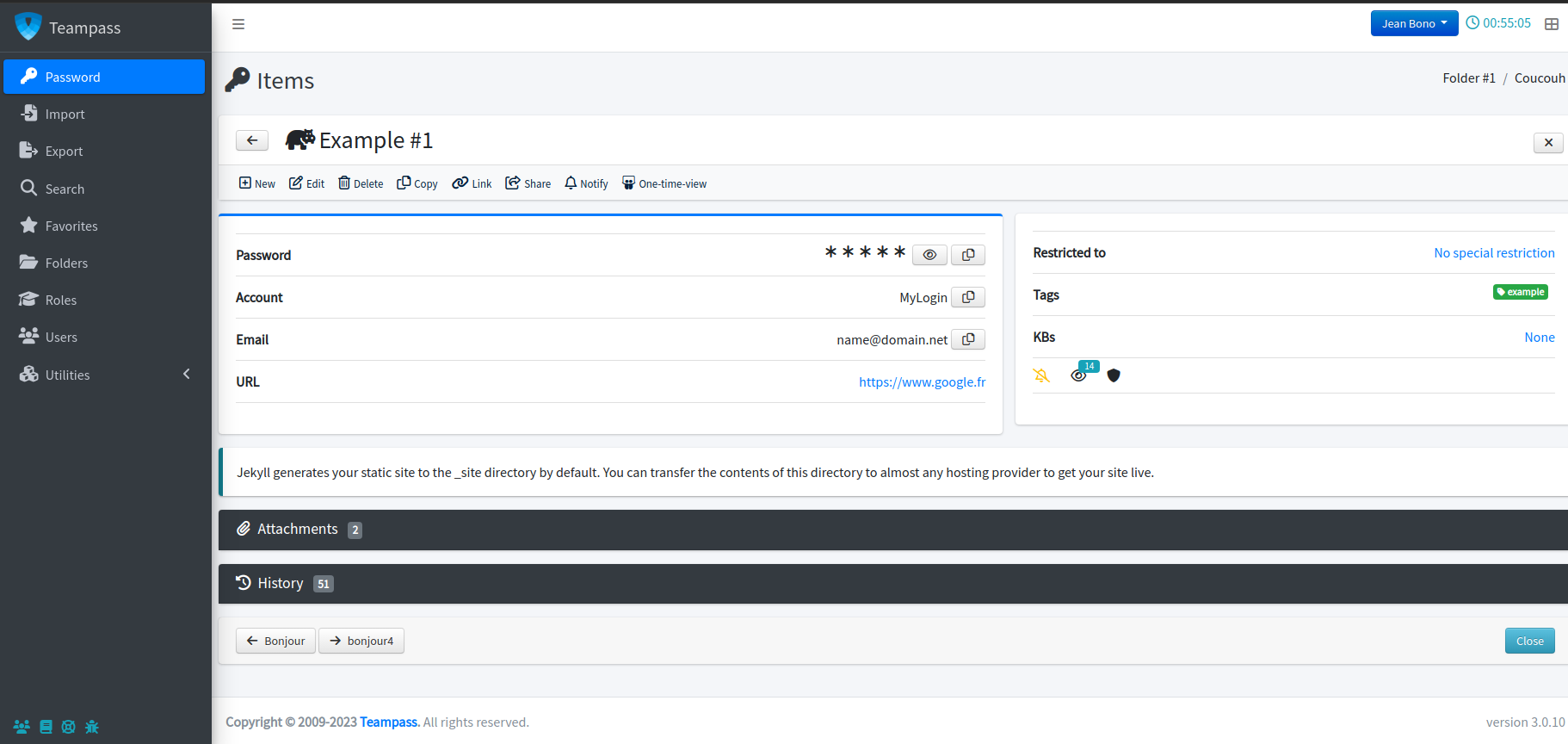
Teampass 3.2 reads the export formats of the tools people actually leave behind, so migration is an afternoon rather than a project.
JSON export, folders preserved.
CSV export.
Export file with fields mapped to items.
Plus classic KeePass XML and plain CSV.
Docker image or a PHP directory on a server you already run.
docker pull teampass/teampass
Bring in your existing vault, then delete the export file — it is plaintext.
Find the reused and breached passwords you have been carrying for years, and fix them.
Yes. The server is GPL-3.0 and there is no user limit, no feature gate and no trial clock. The only paid product is the browser extension, and the web interface works perfectly well without it.
Honestly, it might be. Teampass is built around shared access — folders, roles, audit trails. If you never share a credential with anyone, a local KeePass file is simpler. Teampass starts paying off the moment a second person needs access, or you want your vault reachable from more than one machine without handing it to a cloud provider.
Your data is in a MySQL database you control — back it up like any other database. You can also keep an encrypted offline HTML export, which opens in any browser without Teampass running.
Export to KeePass 2.x XML, PDF or the encrypted offline copy. Nothing is locked in a proprietary format.
Yes. Plenty of people run it on a LAN address or behind a VPN. Do put TLS in front of it either way.
Free under GPL-3.0, with no user limit and no feature gate.