The credential lives in a chat thread
Searchable by everyone who was ever in the channel, retained by the chat provider, and impossible to revoke.
Folders and roles instead of a document everyone edits. A record of who opened what. And an offboarding process that takes a minute rather than an afternoon of guesswork.
Searchable by everyone who was ever in the channel, retained by the chat provider, and impossible to revoke.
Two spreadsheets, three versions, and one person who knows the real one. Rotation stops happening because rotation breaks things.
Someone leaves and the honest answer to "what did they have access to?" is a shrug and a hope.
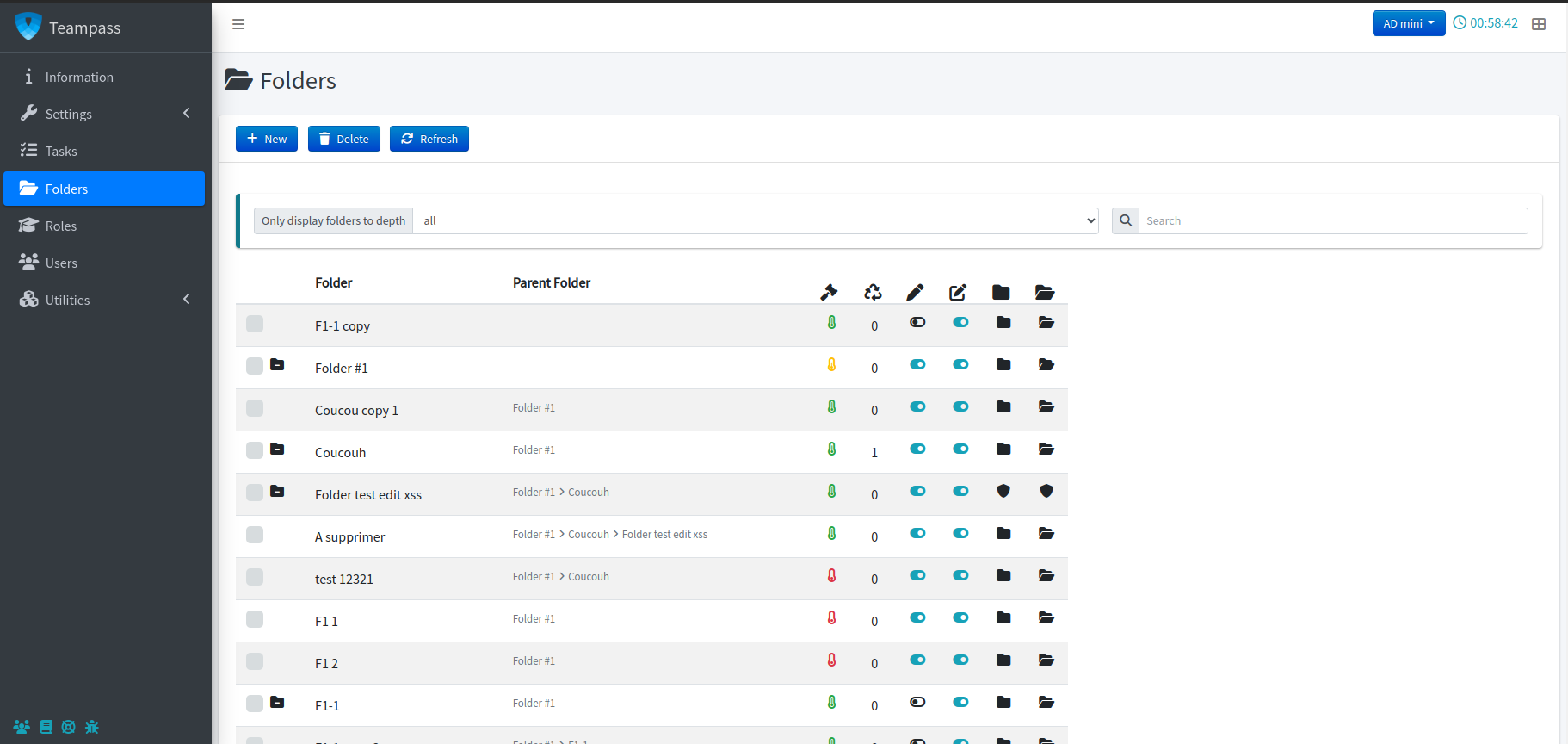
Build a folder per client, per environment or per team. Attach roles with read or write rights, then assign people to roles. Adding the fourth engineer becomes one click instead of a conversation about which documents to share.
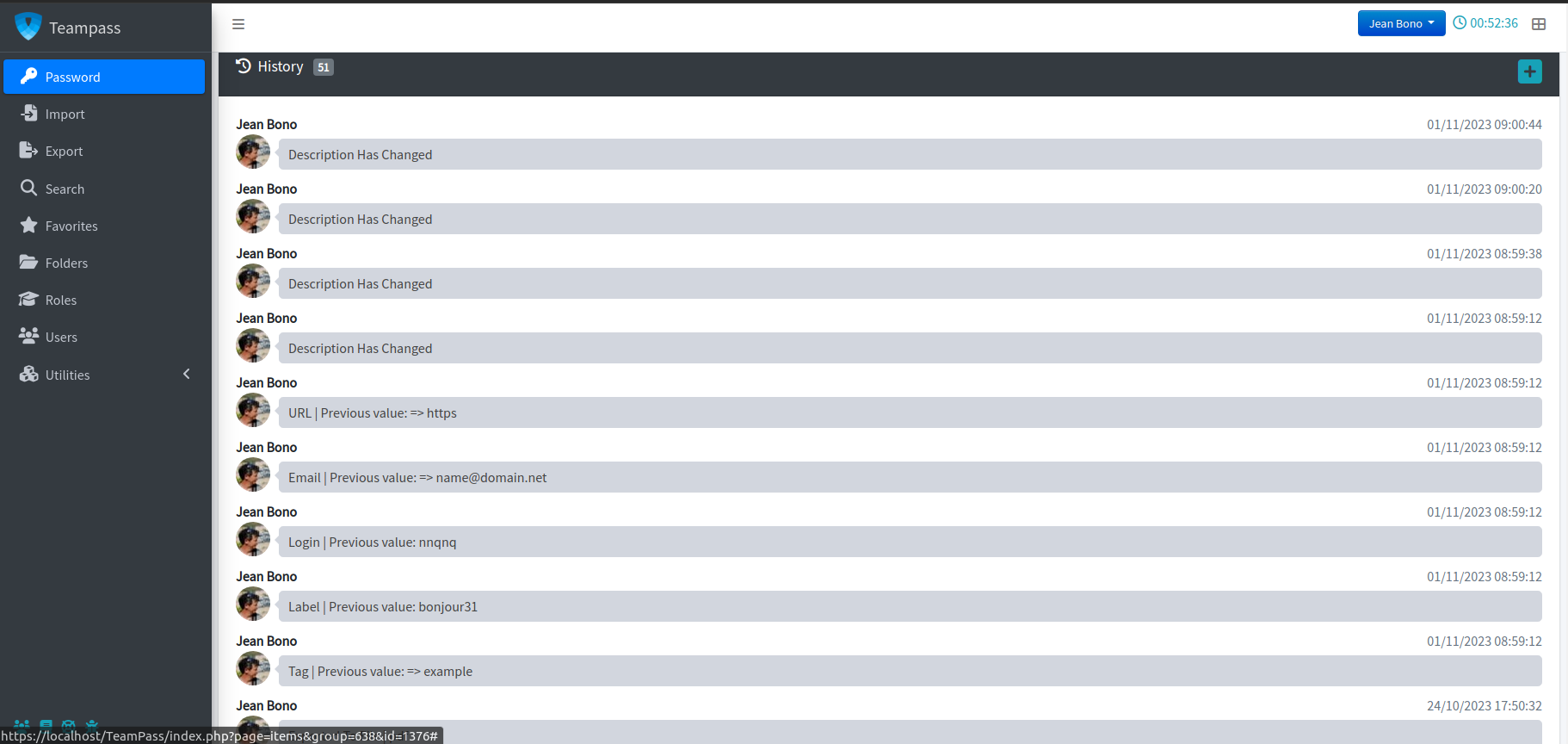
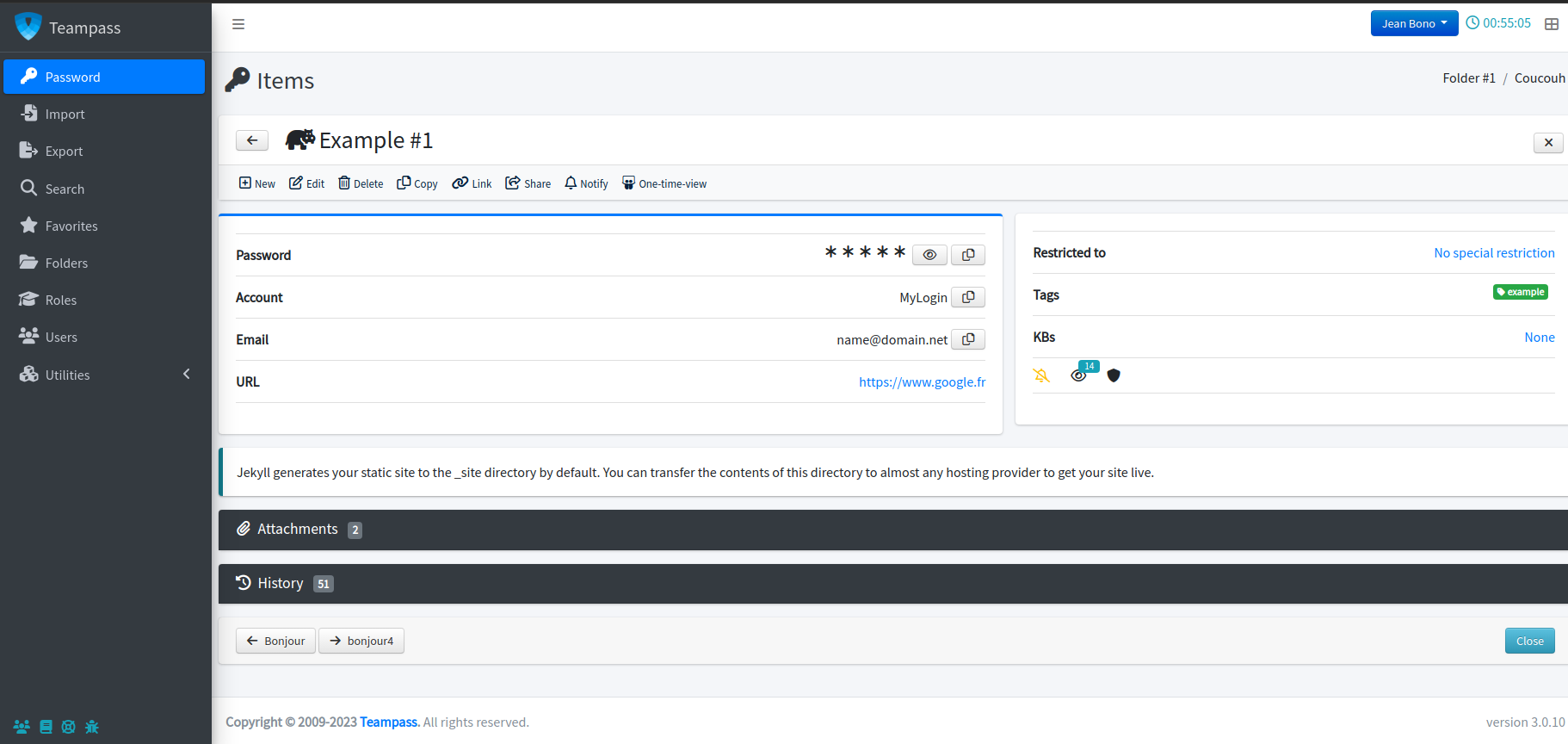
Views, edits and shares are recorded against the item. When a service gets compromised, you can answer "who had this, and when did they last use it" instead of assuming the worst about everyone.
Secure Send hands a client or contractor exactly one credential, under an expiry and a view limit, with an optional passphrase you pass through a different channel. When it expires, it is gone.
A password manager only works if using it is faster than not using it. That is what the browser extension is for.
No switching windows, no clipboard, no half-typed passwords in the wrong field.
Credentials fill on the domain they belong to, which takes the edge off phishing pages.
New credentials land in the right folder instead of a sticky note.
The command palette in the web app finds an item without a single click.
The extension is the paid part of Teampass — from €49 a year for three users, with a 30-day trial. The server, and everything on this page except autofill, stays free. See pricing.
Model their folders and roles properly. A good first tree becomes the template for the rest.
Pull in the spreadsheet, run a posture scan, and rotate what it flags before anyone relies on it.
Adoption follows convenience. Autofill is what turns a policy into a habit.
Installing takes an evening. Modelling folders and roles takes longer, and it is the part worth doing carefully — start with one team’s credentials rather than importing everything on day one.
No. The web interface covers everything. Teams buy the extension because autofill removes the copy-paste habit that leaks credentials into clipboards and chat windows — but it is an add-on, not a requirement.
Disable the account and their access is gone. The leaver risk report shows which credentials they had reached, so you know exactly what to rotate instead of rotating everything or, more commonly, nothing. For the shared Linux logins on that list, LAPR can do the rotation for you, over SSH.
Yes — Secure Send produces a link with an expiry, a view limit and an optional passphrase. No account, no standing access. See how Secure Send works.
Yes, when it is kept in Teampass: everyone who can open the item can sign in with its passkey, as with its password, and each use is recorded. It needs Teampass 3.2.3 and the browser extension. See how passkeys work.
Only users your folder and role model grants access to. Administrators can manage the instance, but personal folders are decryptable only by their owner and the recovery account.
Free, self-hosted, and running before the end of the day.